
Finance
Enso
Spend on purpose: Need, Want, Invest.
iPhone · iPad · Mac · Watch
The app
Spend on purpose: Need, Want, Invest.
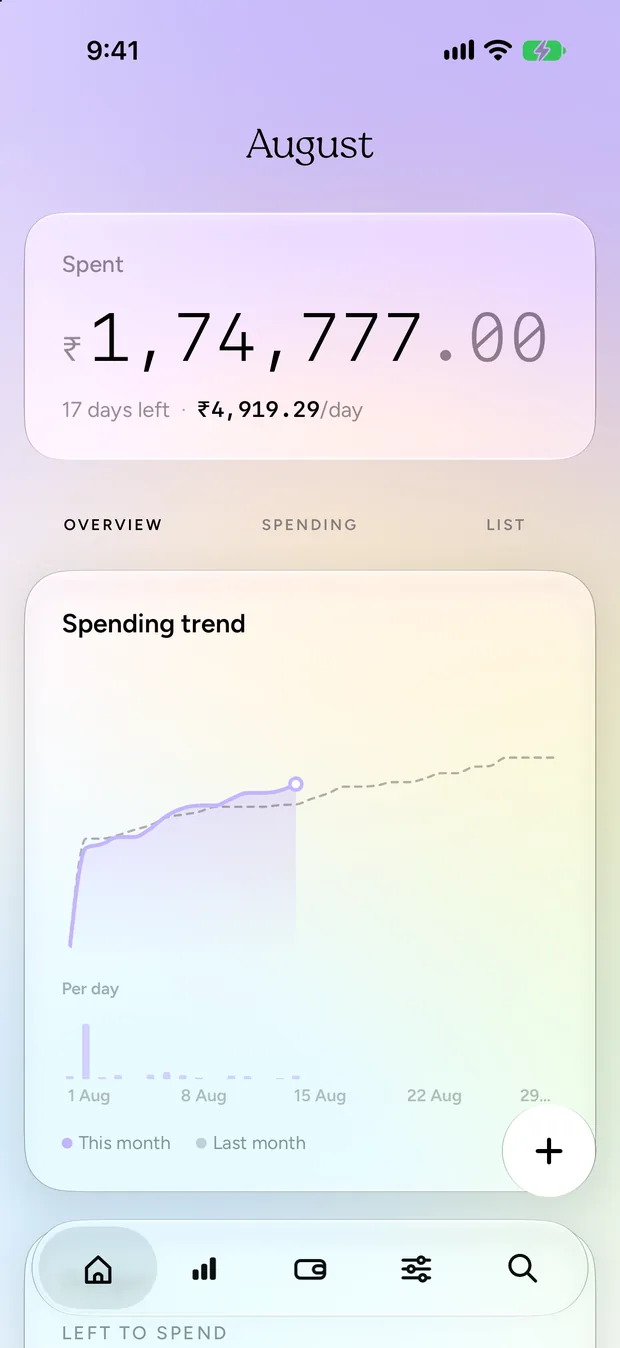
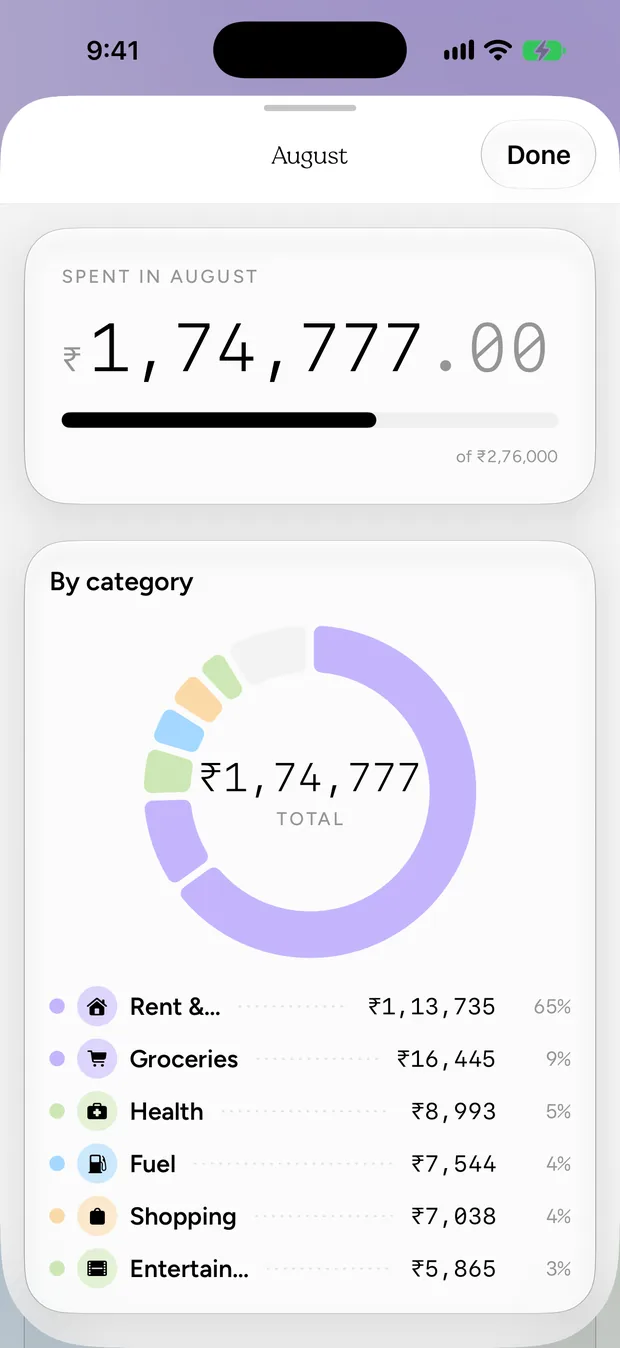
An expense tracker organised around intent rather than category. Every expense is a Need, a Want or an Investment, a modern read on 50/30/20, so the log tells you whether you should have bought it and not merely what it was.
Log in any currency and report in one. Receipt OCR runs on the device. There is no bank linking and no account: the only thing that ever leaves your phone is an anonymous request for exchange rates.
Features
What it actually does.
Budgeting by Need, Want and Investment
Multi-currency with on-device OCR
Mac menu bar extra
Face ID lock
Privacy
No bank linking and no accounts. Your spending is computed on your device and syncs only through your own private iCloud; what leaves it is an anonymous exchange-rate lookup and, if you buy Pro, the purchase check that validates it.
StorageOn device
SwiftData on-device, with opt-in private iCloud sync
LocationOnly when used
Optional. When you turn on location suggestions, your location is read on the device to pre-pick a category for where you are standing. It is never uploaded and never leaves the device
AnalyticsNone
No analytics of any kind.
Third partiesNetwork
Frankfurter and Open Exchange Rates — receive the currency codes to convert, nothing else; no account, no key, no identifier, and no spending data; RevenueCat — validates App Store purchases; receives the store receipt and a random anonymous app id, never your name, email, or any transaction, budget or category; Tally — only if you choose to open a feedback form, the link carries the app version, build, OS version and device model so reports are actionable; nothing is sent unless you submit the form